
How ArchKit Works
Design, visualize, and estimate kitchen projects faster with smart tools built for professionals.
Scan or Draw
Capture your kitchen using AR or manual input
Design & Visualize
Create layouts in 2D/3D with smart tools
Generate plans, cabinet lists, and quotes
Export & Estimate
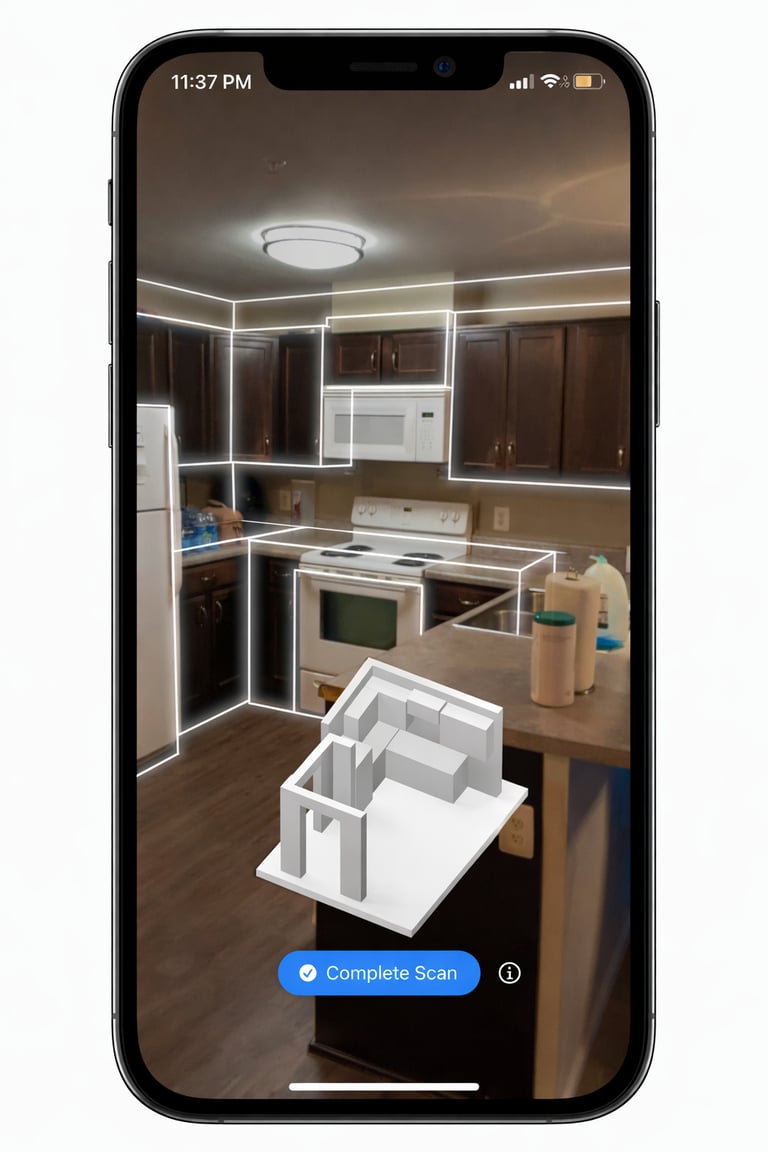
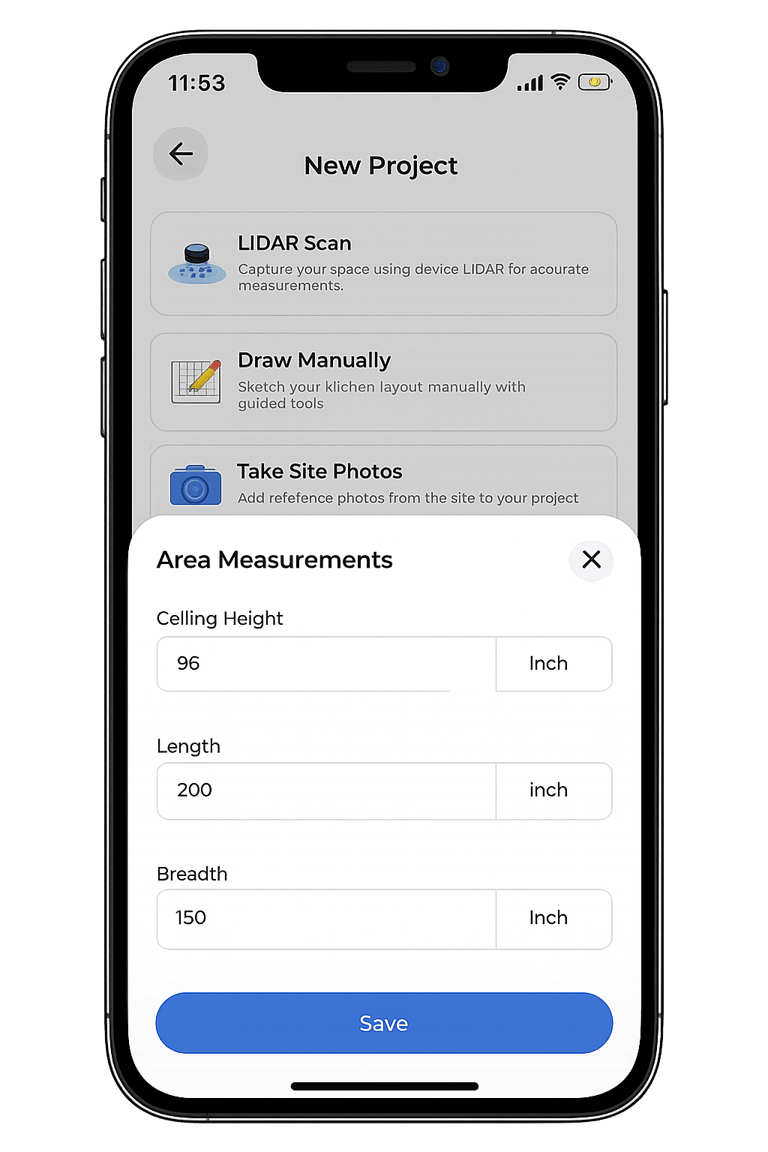
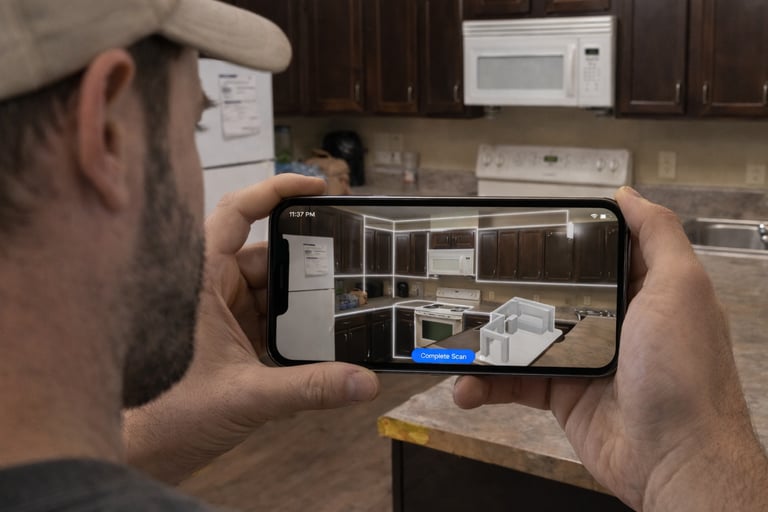
Step 01 — Scan or Draw Manually
LiDAR scanning or manual mode
Capture precise measurements
Start designing in minutes
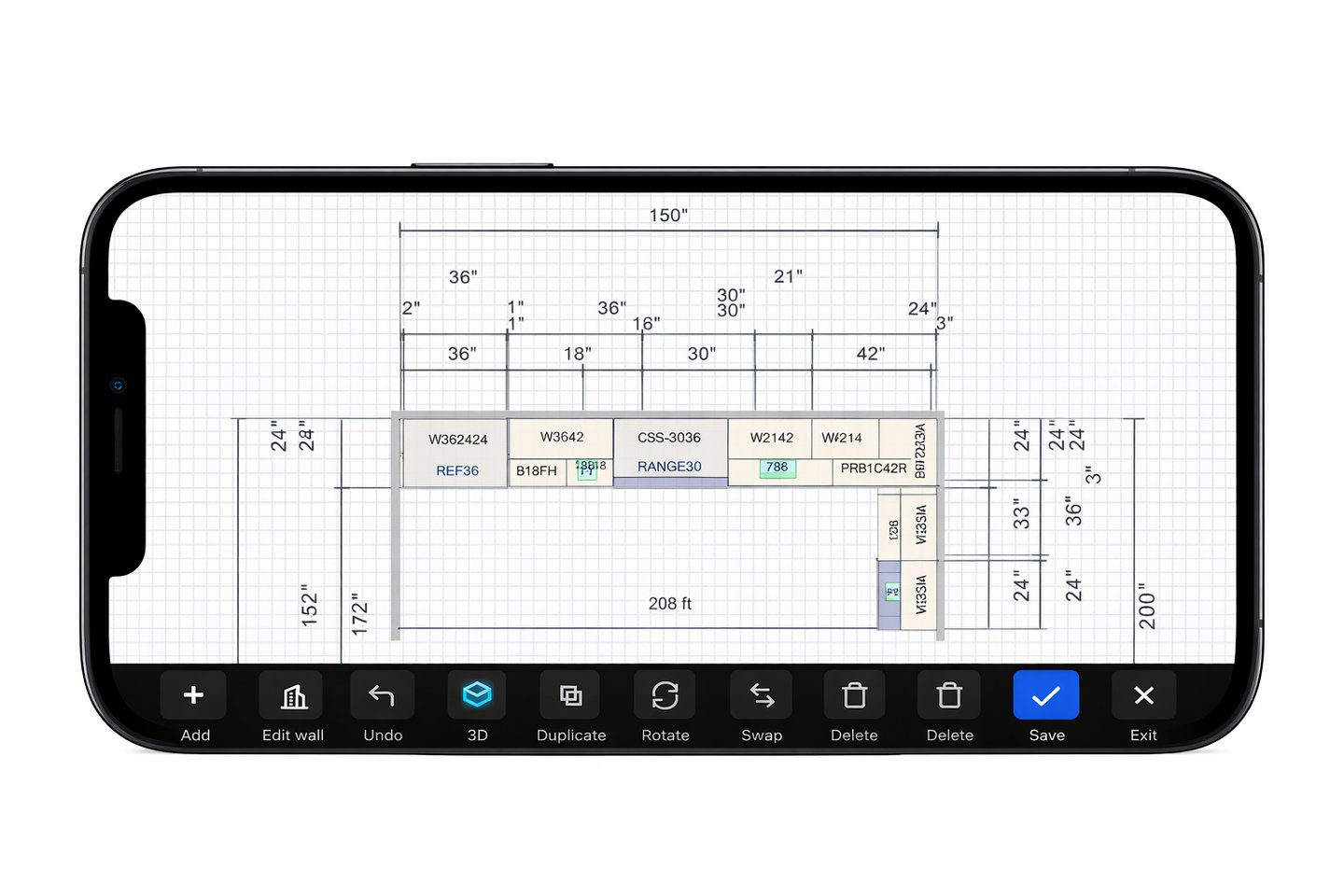
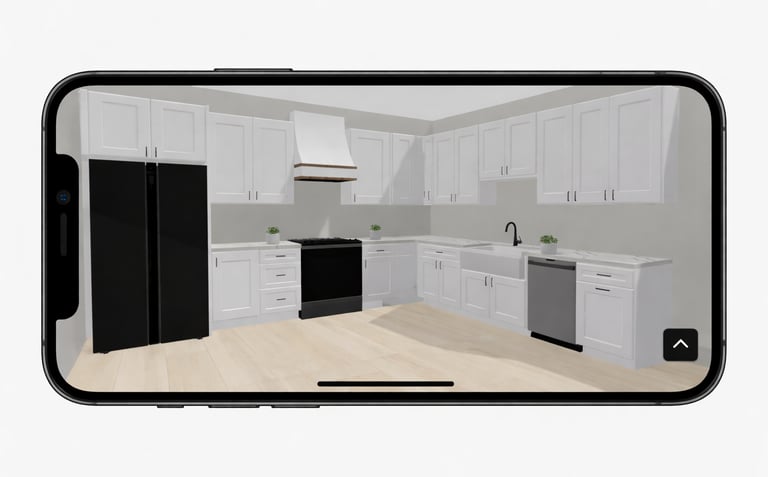
Step 02 — Design the Layout
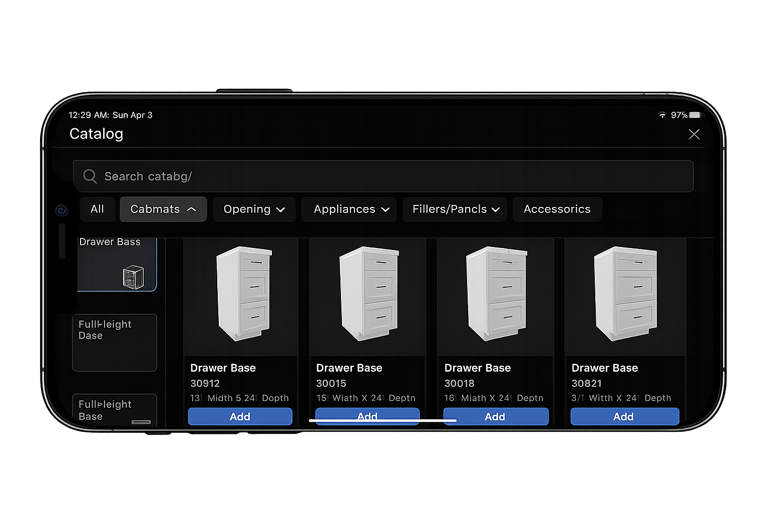
Drag-and-drop cabinets
Snap-to-fit layout system
Switch between 2D & 3D views
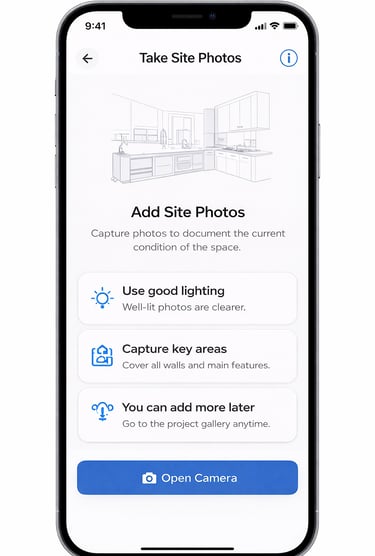
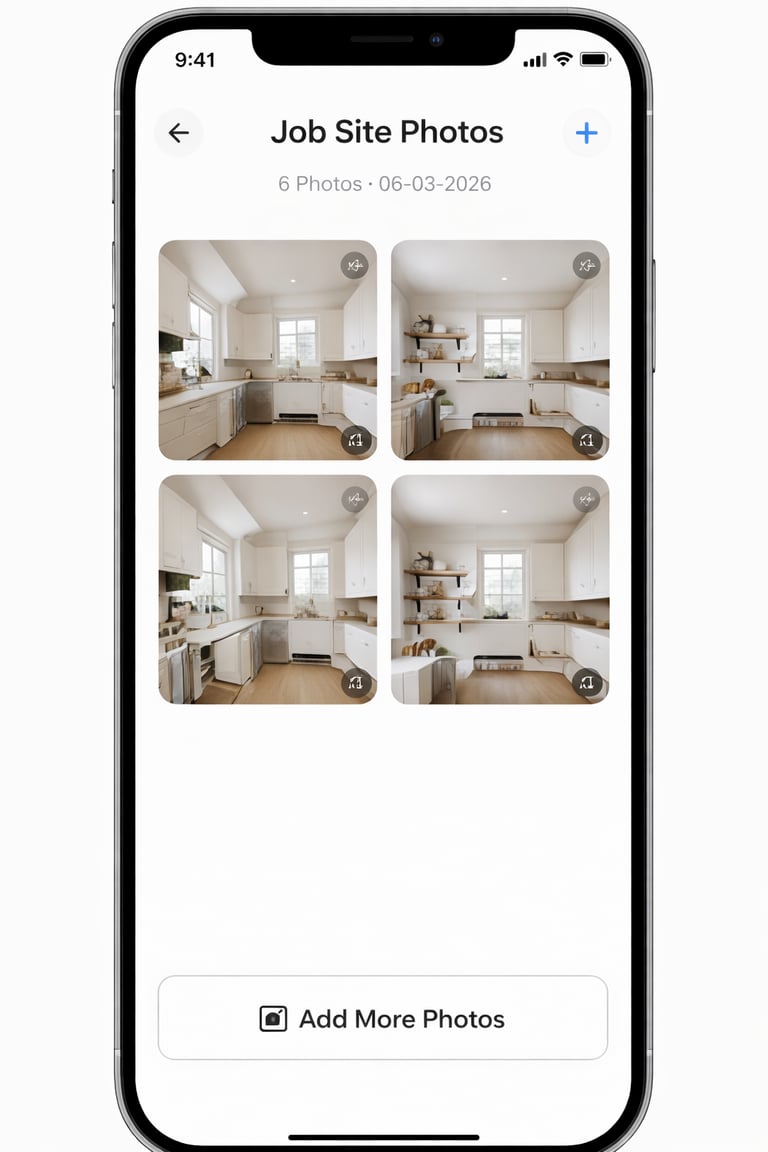
Step 03 — Capture Job Site Details
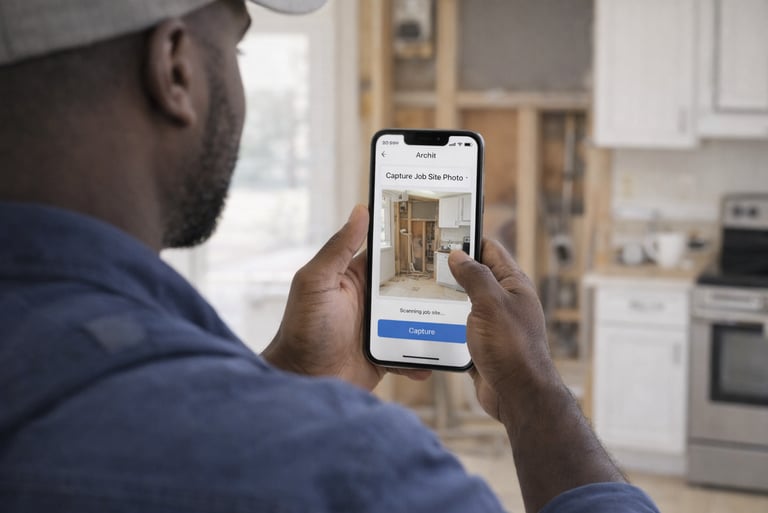
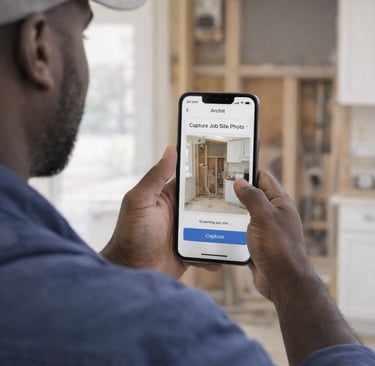
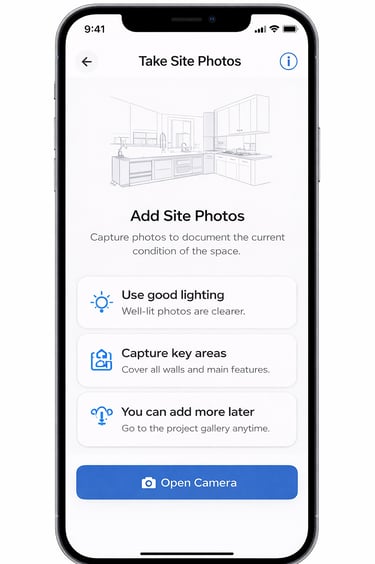
Take on-site photos
Add notes and measurements
Keep all project info together
Step 04 — Export Layout Plans
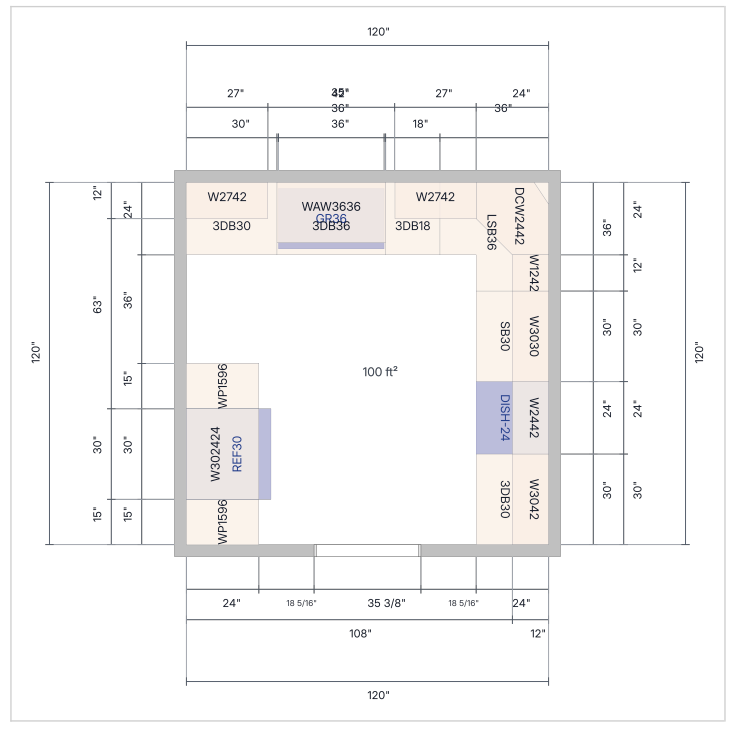
Client-ready plan view in PDF format
Easy to review and share
Step 05 — Generate Cabinet List
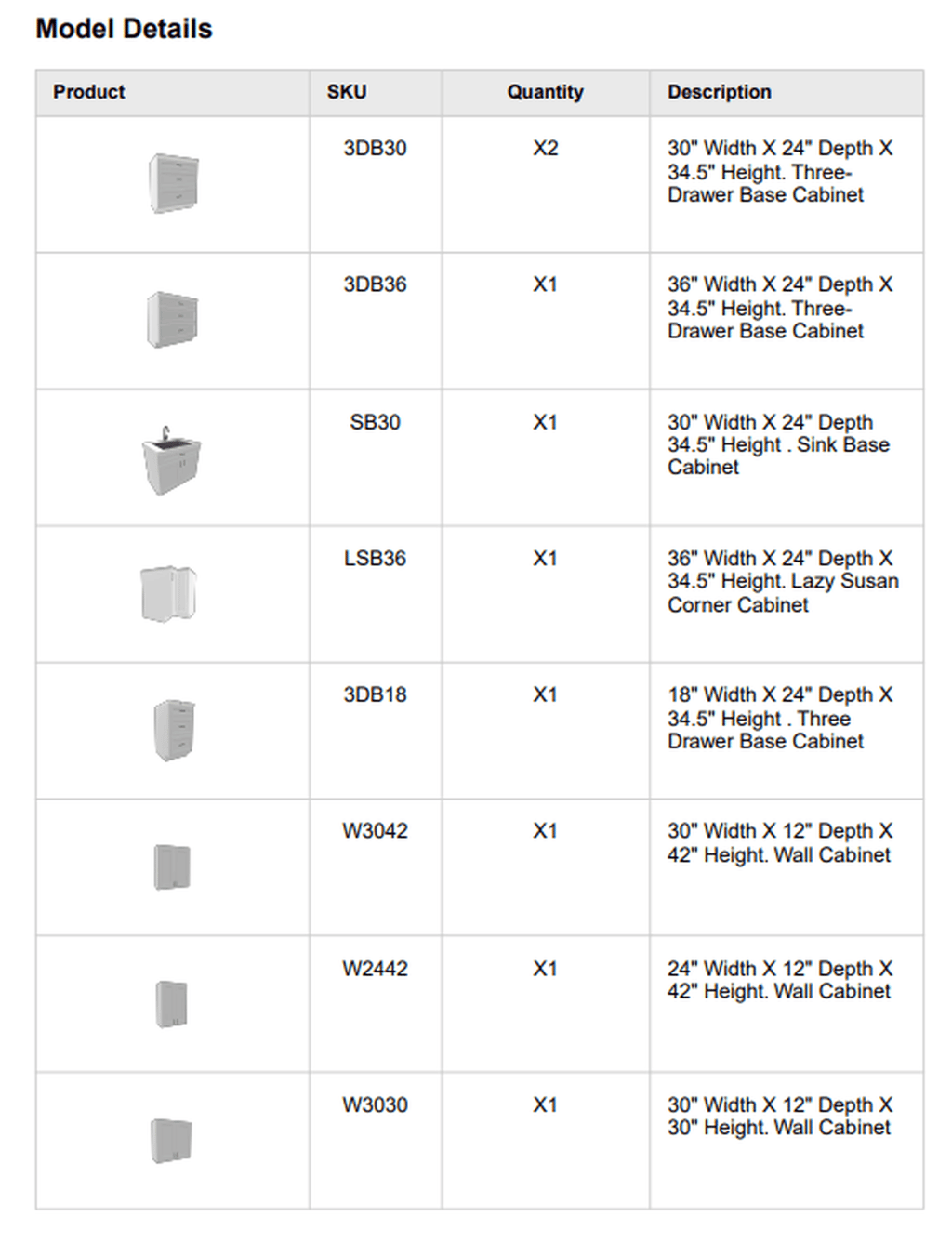
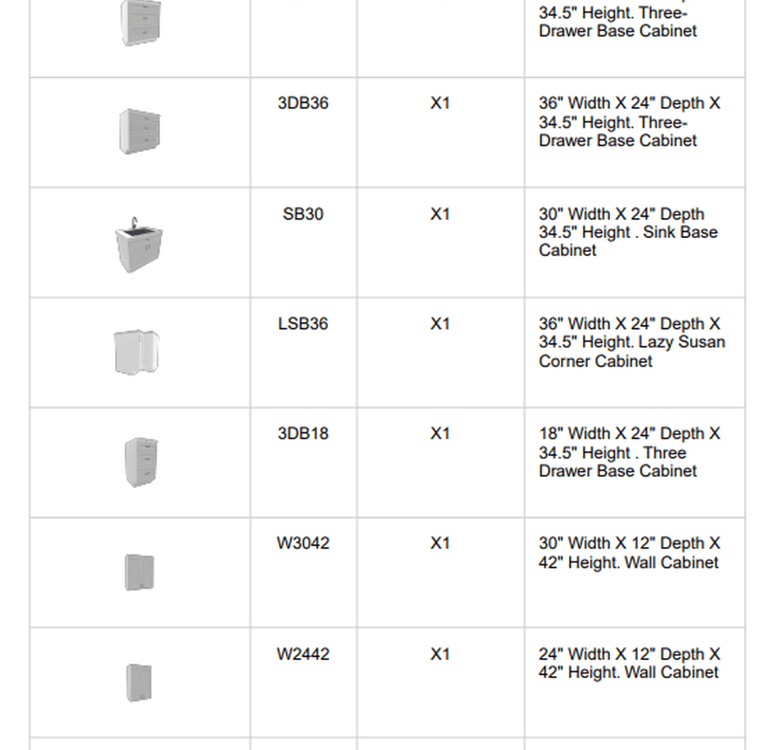
Auto-generated list
Real cabinet sizes and quantities
Better ordering accuracy
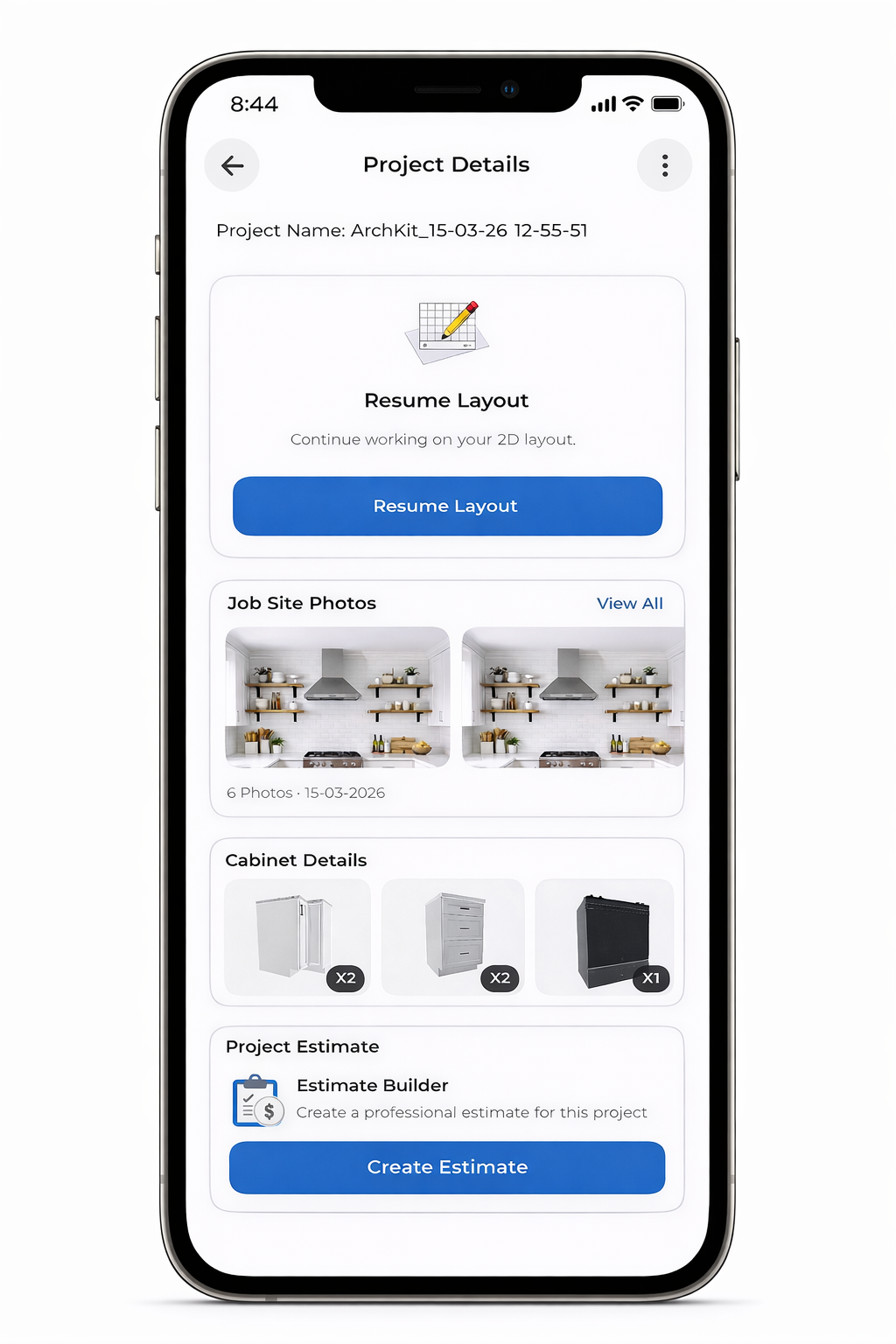
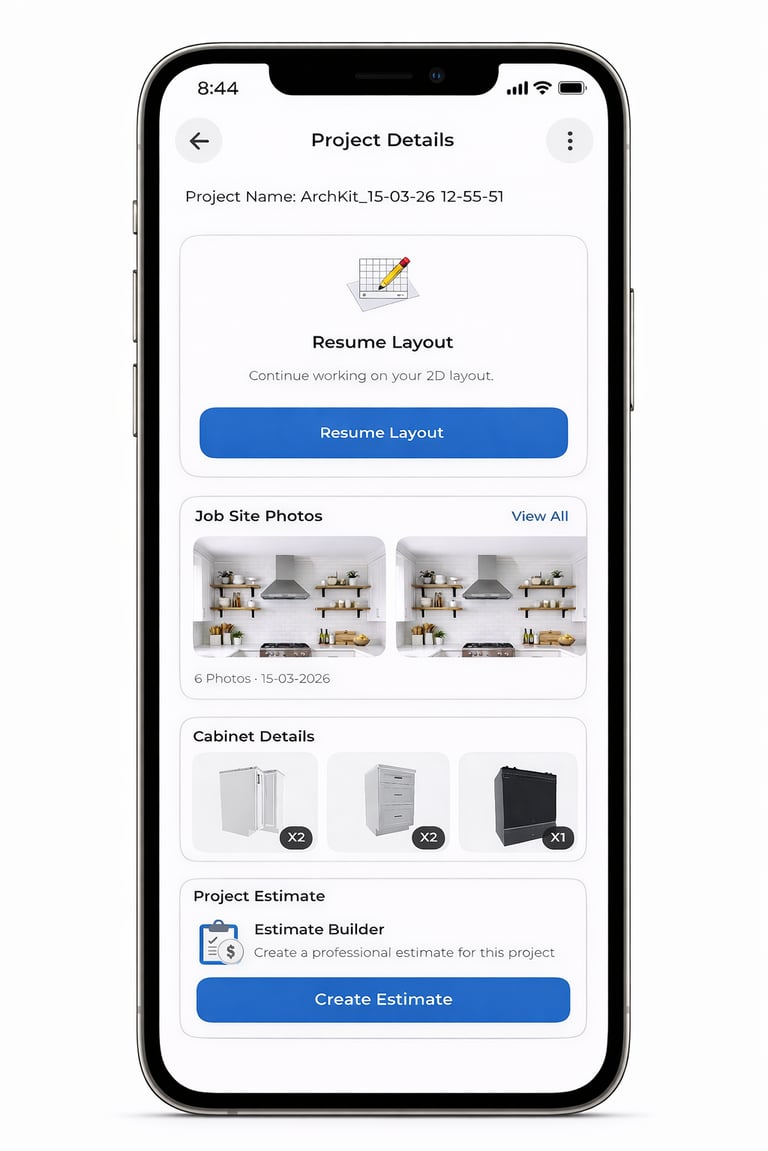
Step 06 — Create Estimates
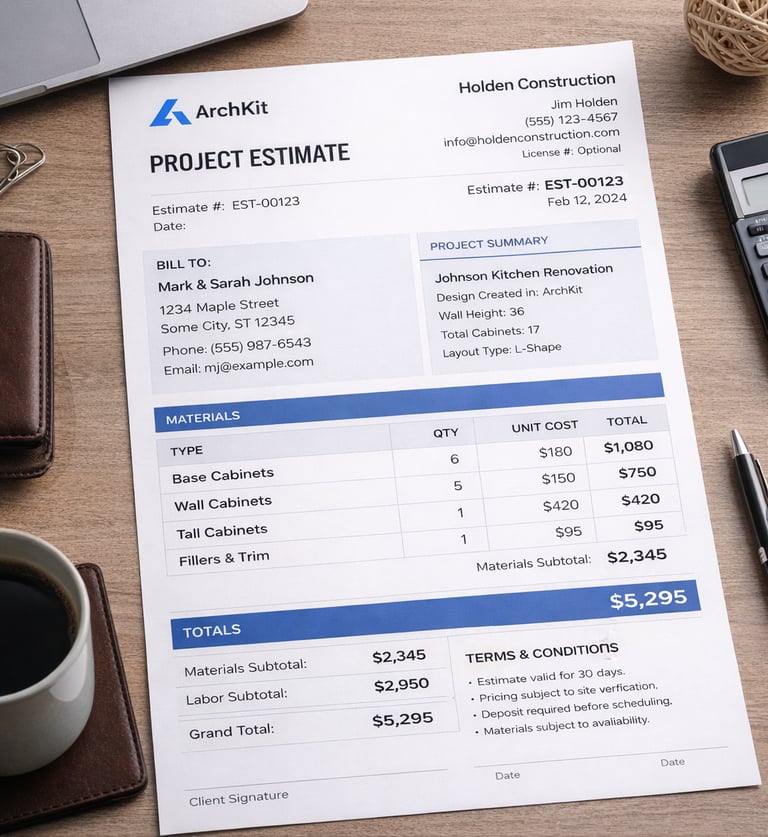
Estimate based on cabinet selection
Professional export format
Faster approvals and close rate