
How ArchKit Works
Design, visualize, and estimate kitchen projects faster with smart tools built for professionals.
Scan or Draw
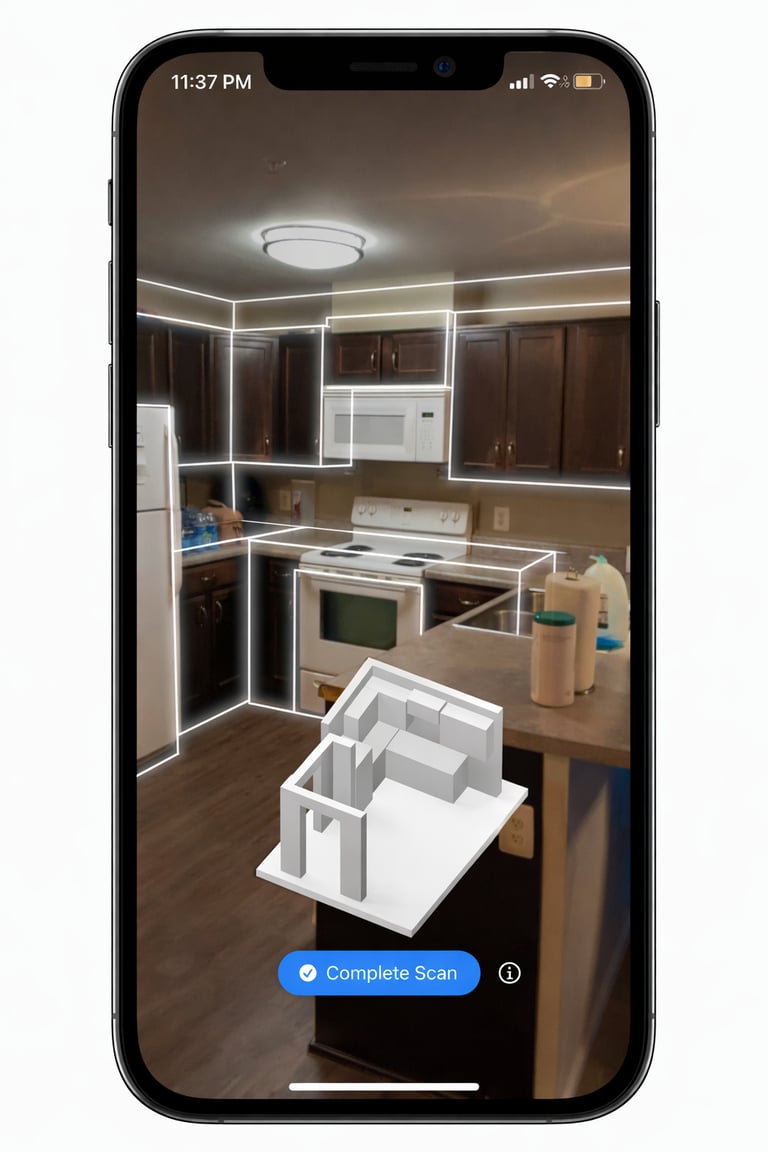
Scan your kitchen with AR or draw it manually with precision
Design & Visualize
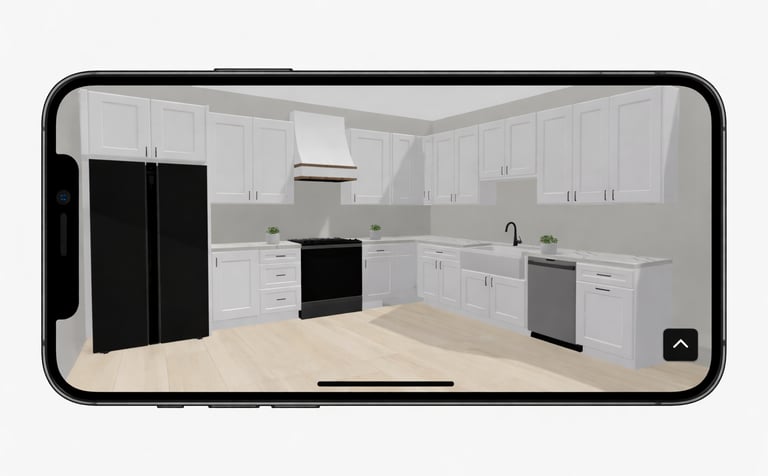
Design in 2D & 3D with smart, snap-to-fit tools
Export plans, cabinet lists, and accurate estimates
Export & Estimate
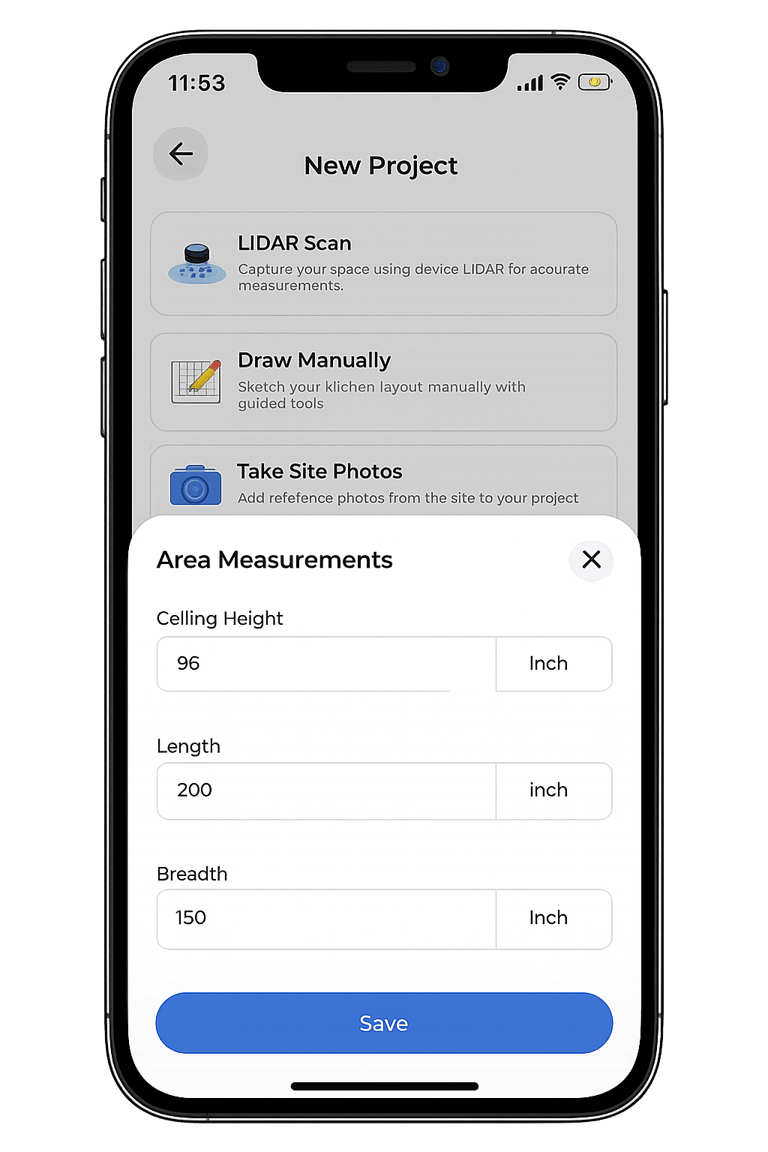
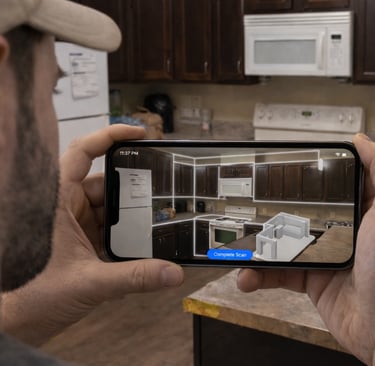
Step 01 — LiDAR Scan or Manual Input
LiDAR scanning or manual mode
Capture precise measurements
Start designing in minutes
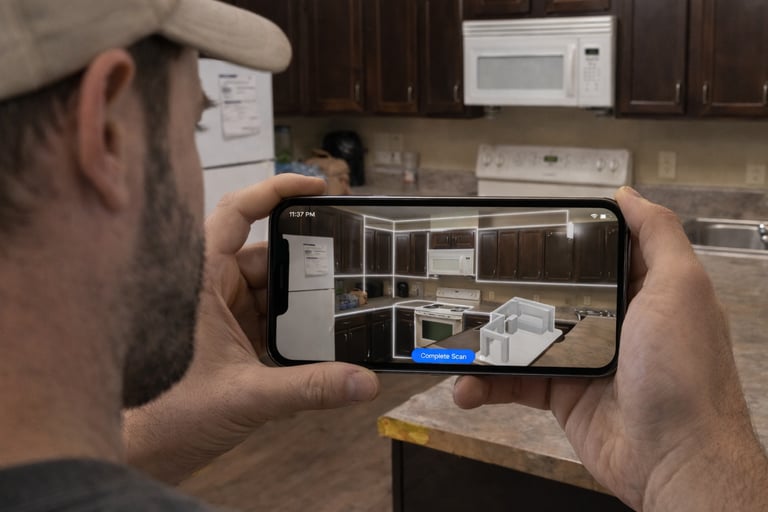
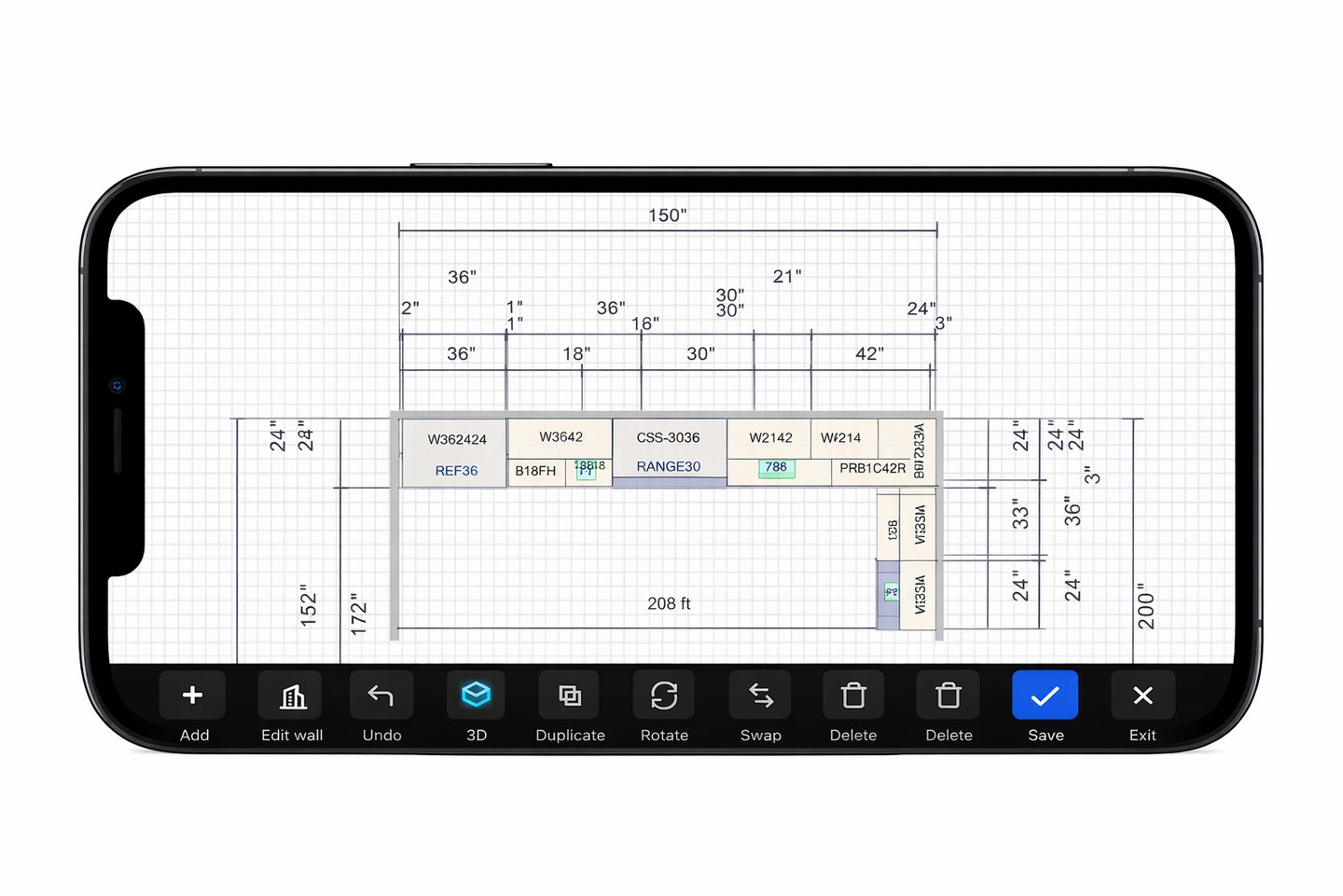
Step 02 — Design the Layout
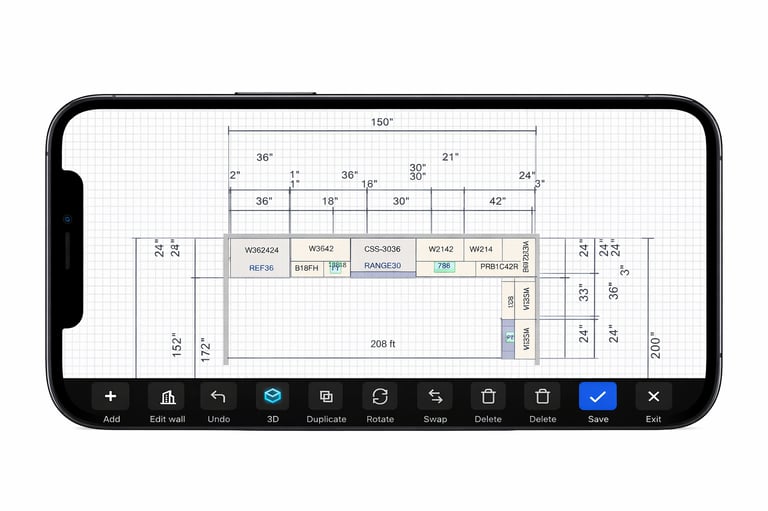
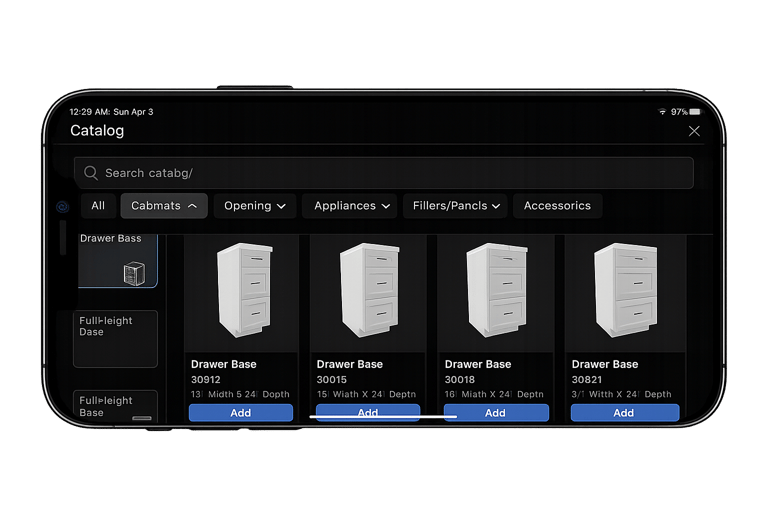
Drag-and-drop cabinets
Snap-to-fit layout system
Switch between 2D & 3D views
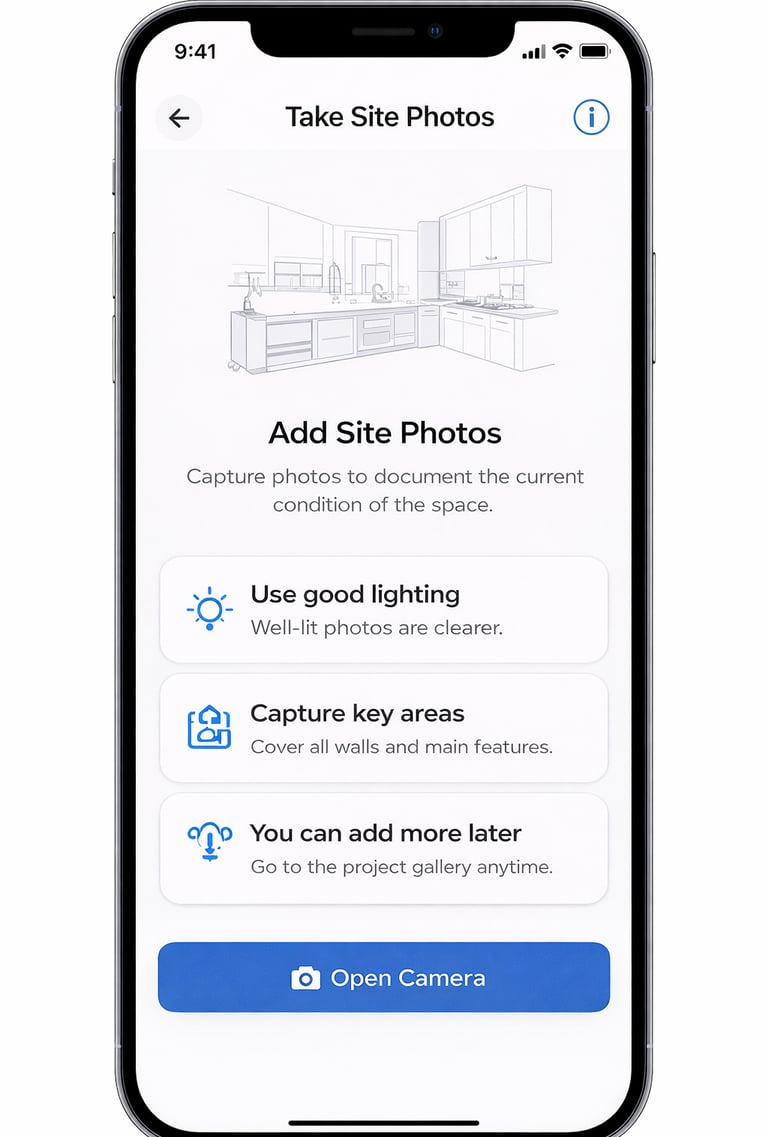
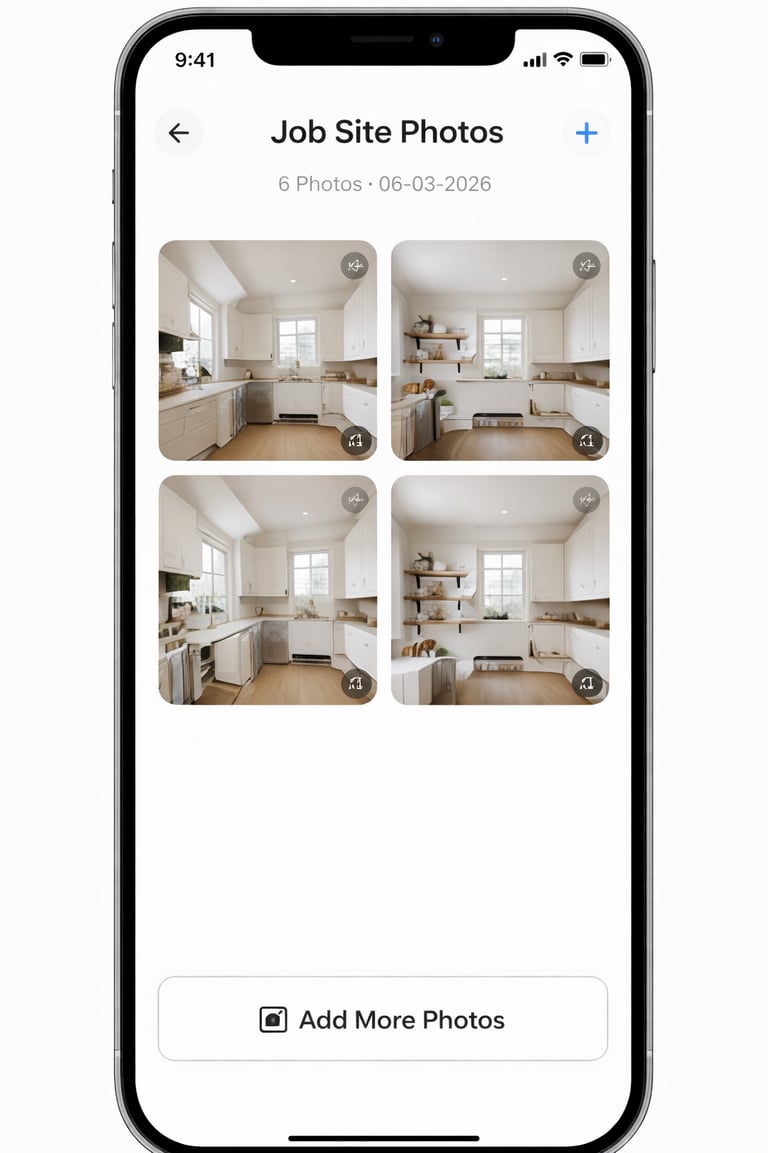
Step 03 — Capture Job Site Details
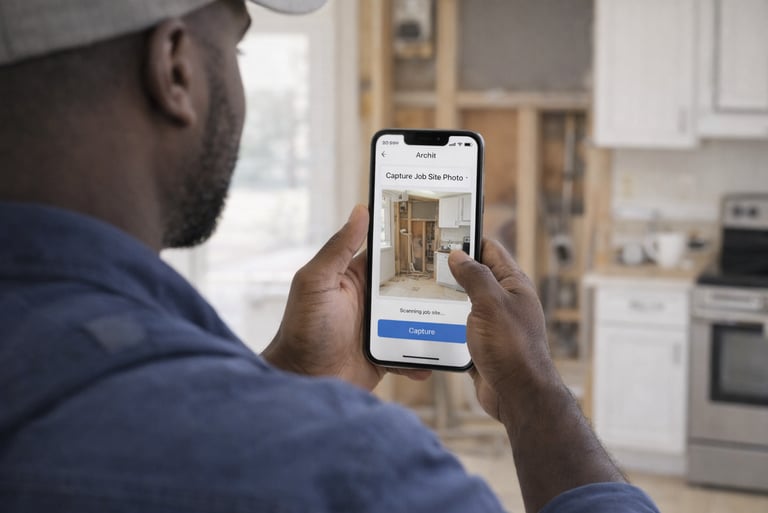
Take on-site photos
Add notes and measurements
Keep all project info together
Step 04 — Export Layout Plans
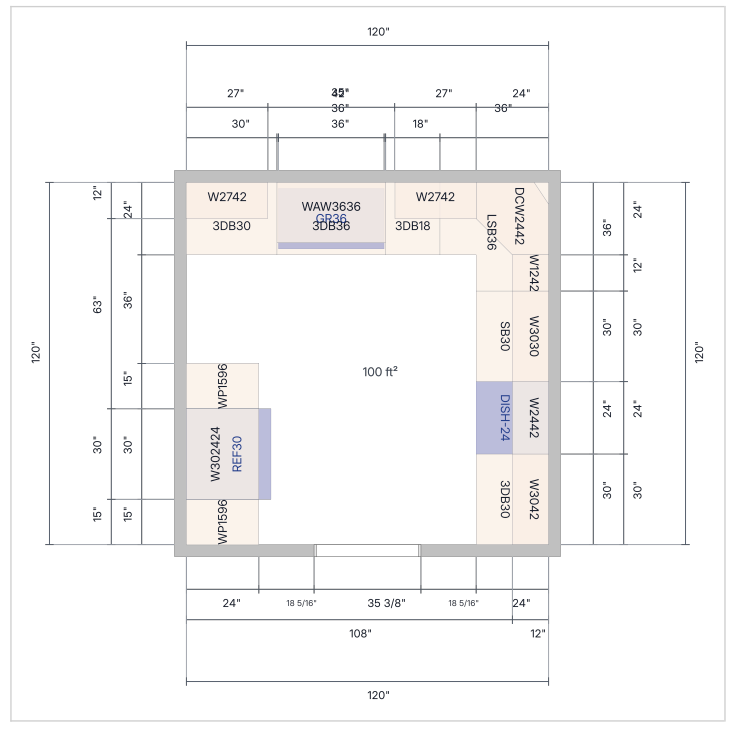
Client-ready plan view in PDF format
Easy to review and share
Step 05 — Generate Cabinet List
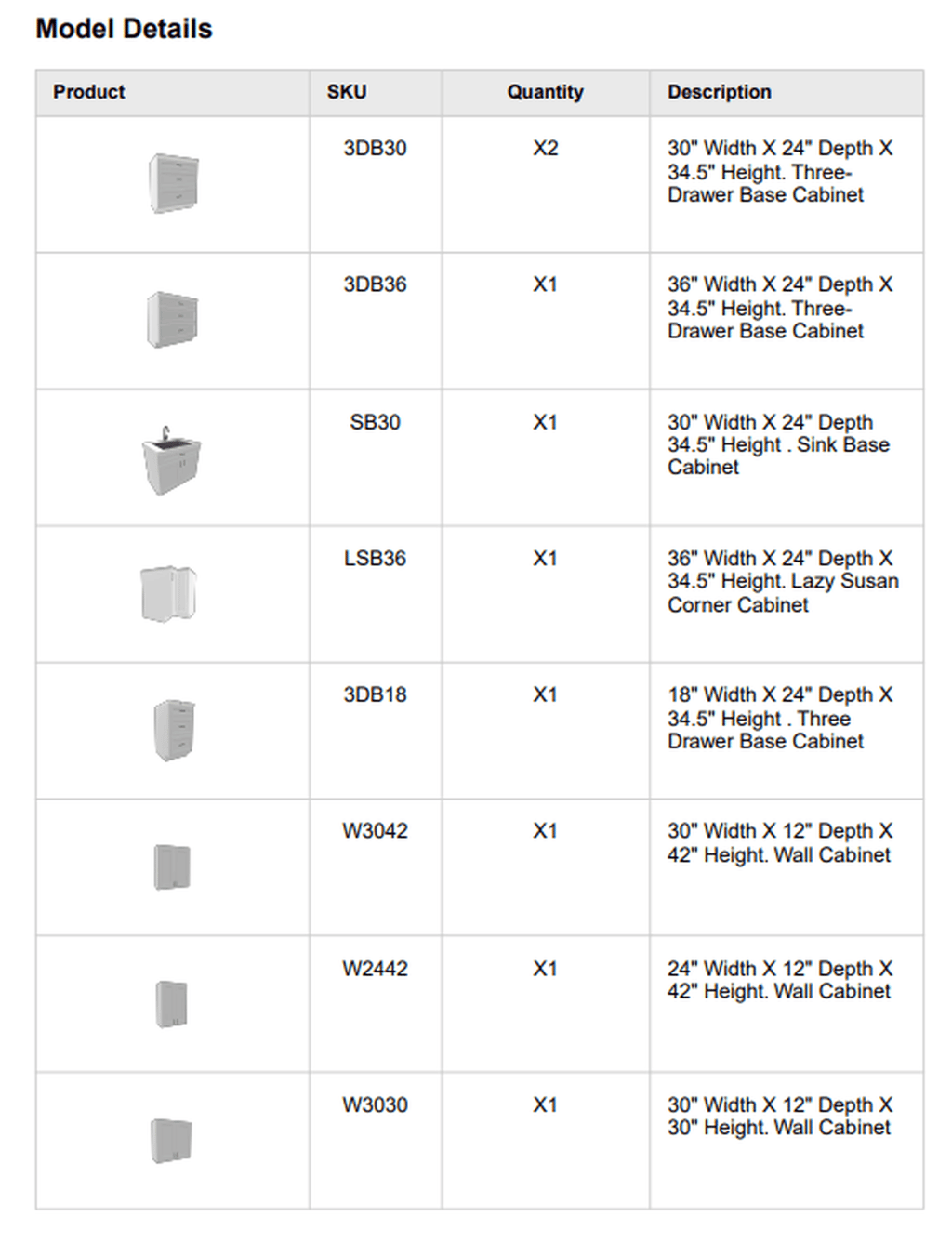
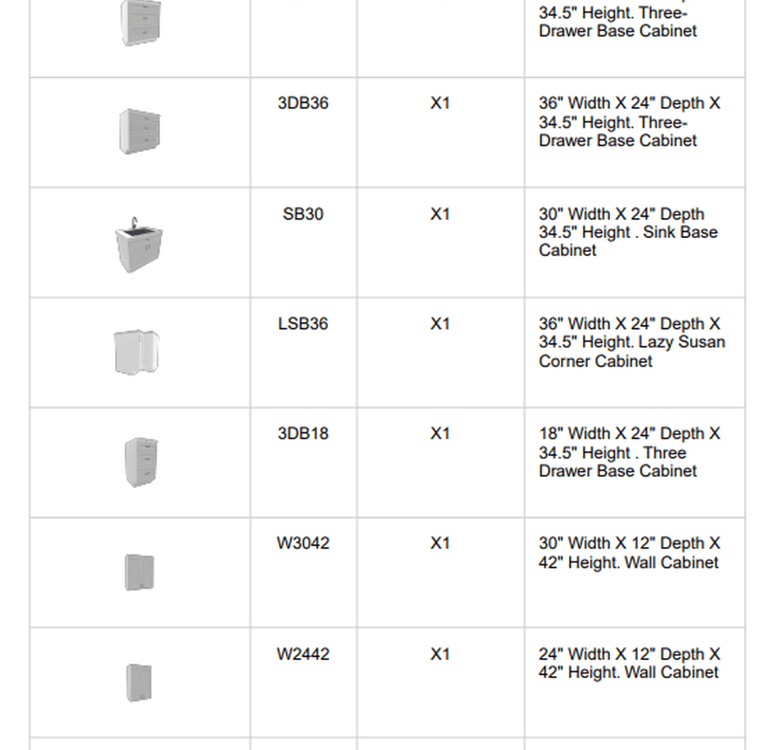
Auto-generated list
Real cabinet sizes and quantities
Better ordering accuracy
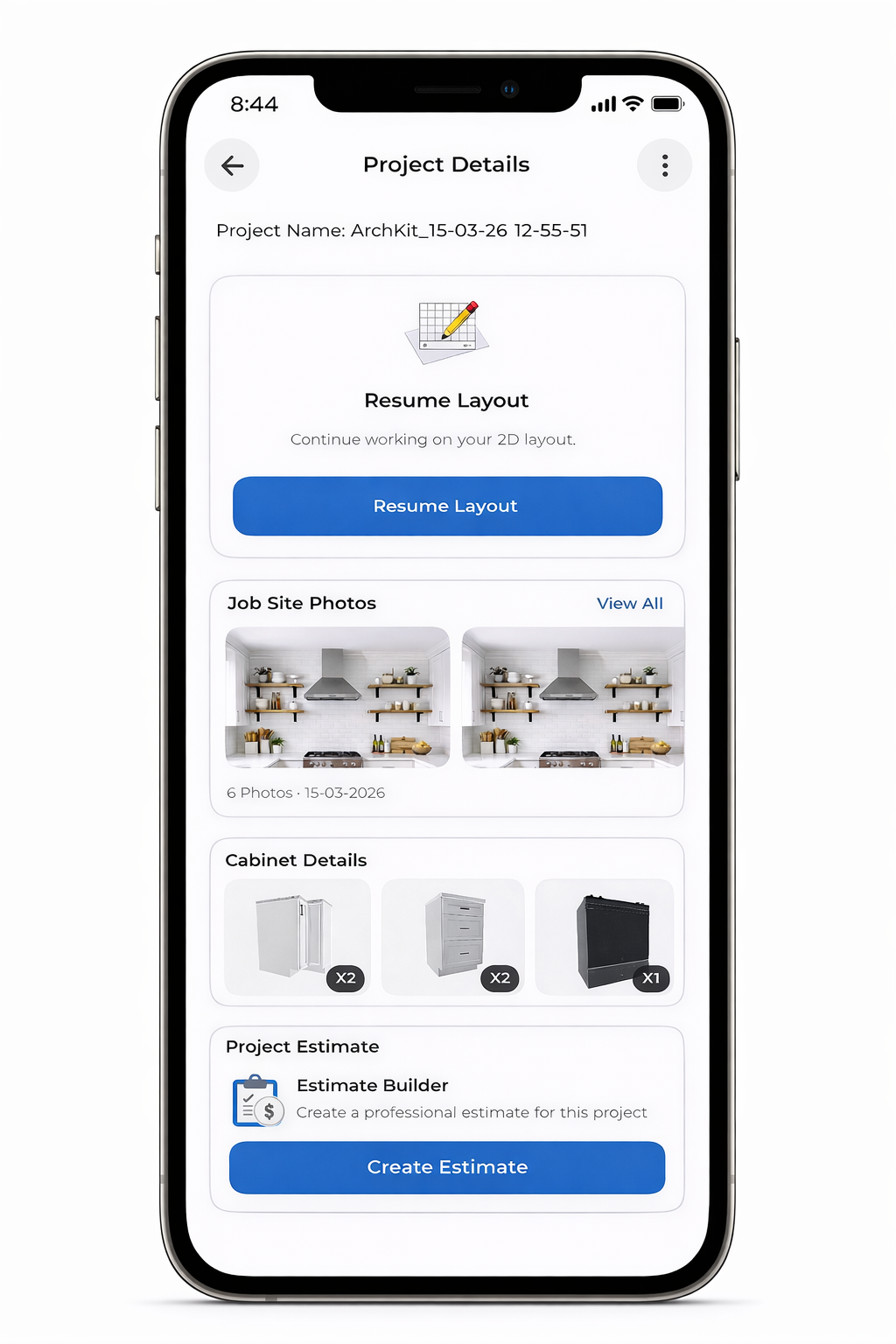
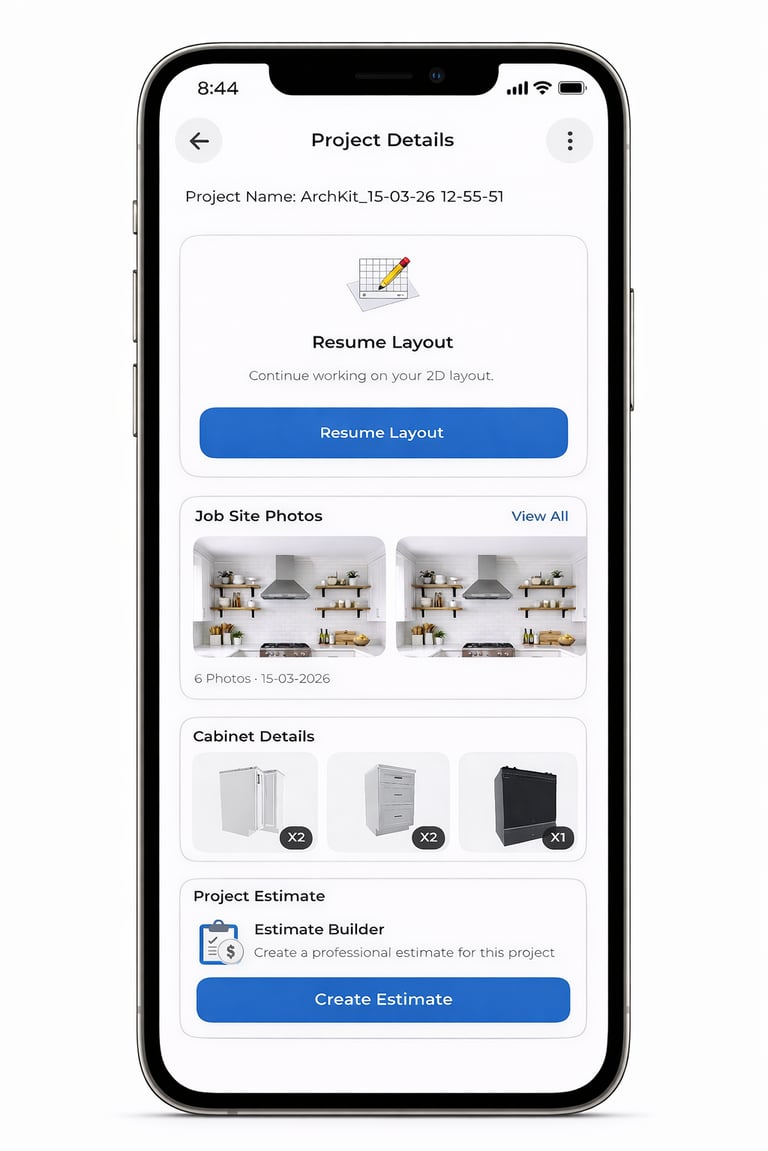
Step 06 — Create Estimates
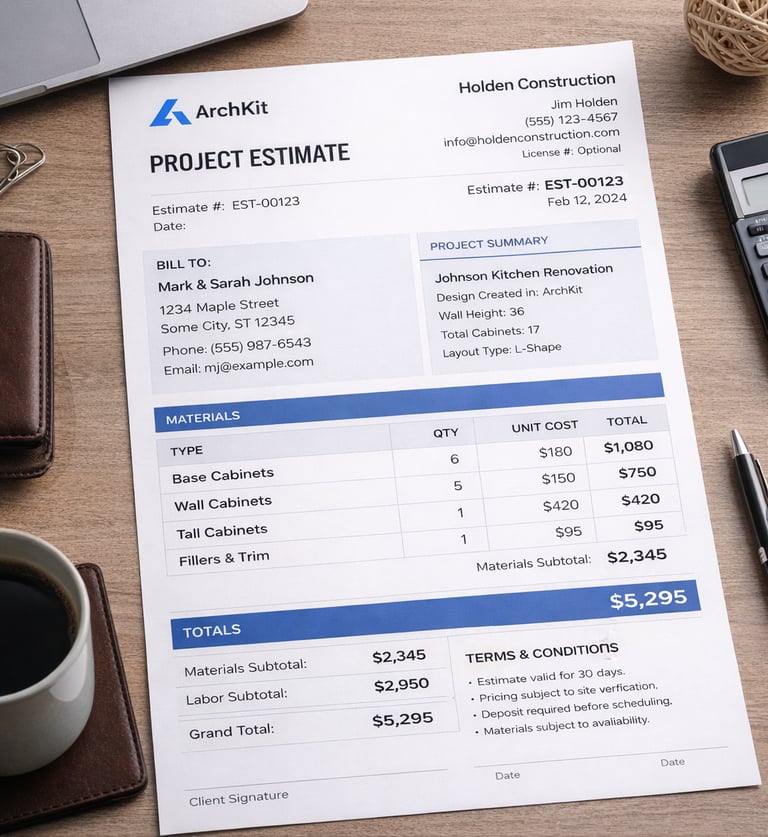
Estimate based on cabinet selection
Professional export format
Faster approvals and close rate